Introduction
At a Glance
Remote service vs remote monitoring: what’s the difference? Remote monitoring pushes sensor data to a dashboard the OEM watches. Remote service lets an engineer log in to adjust settings or diagnose problems. Although many vendors bundle both together, these two things are fundamentally different. Monitoring is visibility, and service is control. Costs, security practices, and when each makes sense depend on your plant’s setup and risk profile.
Imagine the following scenario. Your packaging line stops unexpectedly. You call your OEM, and the lead tech has availability, but travel cost is prohibitive and scheduling logistics eat another 2–3 weeks. Your OEM rep asks a simple question: “Do you have remote access capability?” You’re not sure what that means, what it costs, or what risks it carries.
In this kind of scenario, that question matters. Remote service and remote monitoring are becoming industry table stakes, but the terms get used interchangeably in vendor marketing. The distinction affects your downtime, security posture, and annual service costs. Here’s what you need to know.
In this article, we’ll cover:
- The real difference between monitoring and service
- How the technology works and the main platform approaches
- Business value: faster troubleshooting and expert availability
- Cybersecurity standards and non-negotiable safeguards
- When remote service actually fits (and when it doesn’t)
- Common pitfalls to watch for
Remote Service Is Active Control
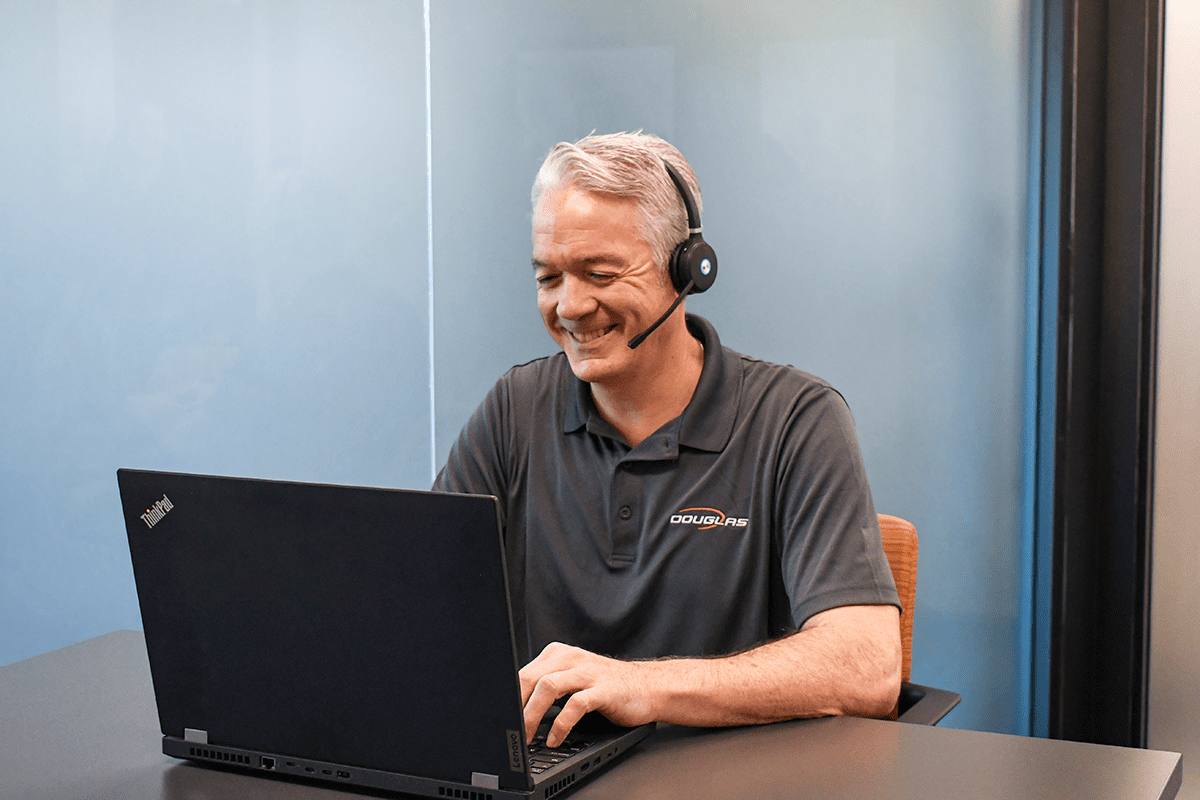
Remote service is bidirectional. An engineer from the OEM or integrator logs into your equipment via VPN, cloud gateway, or dedicated platform to diagnose faults in real time, adjust parameters, push firmware updates, or change recipes. The engineer has live visibility and the ability to issue commands. Remote service is the expert connecting in to fix it from away.
Back to that thermal example. The monitoring alert told you the sealing head is hot. But only a remote service session—where the engineer logs in, checks the heating element calibration, adjusts the setpoint, and verifies the thermal profile with live data—actually solves the problem. One system handed you data. The other gave you intervention.
A system can offer monitoring without service (data-only, you take action), or service without continuous monitoring (engineer logs in on-demand when you call for help). Most modern OEM platforms offer both, but they’re priced separately. Basic remote monitoring might be included in warranty while advanced monitoring and interactive remote service are often paid add-ons.
How Remote Service Works: Three Architectural Patterns
Remote service typically flows through one of three approaches. The choice matters because it affects control, cost, and who’s responsible for security.
Your operations team purchases a secure gateway router, for example, a Rockwell Stratix 4300 running FactoryTalk Remote Access. Your equipment connects through this router, and your OEM engineers access it via standard RDP (Remote Desktop Protocol) or SSH. Once the VPN is established, visibility and control flow both ways.
Your equipment sends data to a vendor-operated cloud such as Rockwell Connected Services or similar. Service engineers log in through that cloud, and data encryption, access control, and uptime are vendor responsibilities.
Companies like eWON, ei3, Tosibox, and Crosser provide secure cloud gateways that OEMs and system integrators layer on top of their control logic. The integrator chooses the gateway, and you inherit the security model the integrator designed.
What’s the Real Business Value?
Two operational levers drive adoption decisions for remote service.
Remote diagnostics compress troubleshooting cycles. Instead of calling a local tech who drives in, diagnoses over an hour, and waits for OEM guidance (24–48 hours total), an engineer views your equipment’s live state remotely and talks you through a fix in real time. In heavy manufacturing and other industrial sectors, remote diagnostics have delivered 30–50% MTTR improvement in documented case studies. Packaging adoption is growing but sector-specific benchmarks are limited.
A single OEM service team can serve customers across multiple time zones without travel delays, scheduling bottlenecks, or geographic constraints. This is a competitive advantage for plant managers with limited in-house technical bench. Secondary benefits include remote software updates and predictive maintenance feeds that flag degradation before failure, although benefits depend on data quality and tuning discipline.
Cybersecurity: What Standards Apply and Why They Matter
Remote access to packaging equipment exposes your control network to external connection. Standards bodies have explicit requirements.
IEC 62443 is the global standard for industrial automation and control systems (IACS) cybersecurity. NIST Special Publication 800-82 Revision 3, published in 2023, is U.S. federal guidance for operational technology (OT) security. Both emphasize that remote access requires a clear security model.
Core safeguards per CISA (the Cybersecurity and Infrastructure Security Agency) and NIST:
- Per-session, customer-initiated authorization → The customer (plant operator or maintenance lead) explicitly authorizes each remote session. This is not continuous, always-on access. Siemens, Rockwell, and Beckhoff all implement this as a gate where the customer initiates the session, engineer logs in with MFA, and access.
- Multi-factor authentication (MFA) → Any engineer connecting remotely uses MFA which includes a password plus a second factor (such as an authenticator app or hardware token). A compromised password alone doesn’t grant access.
- Encrypted connections → All traffic is encrypted (TLS/VPN). Your equipment data and commands don’t flow in the clear.
- Network segmentation → The remote-access gateway sits on its own network segment, isolated from the main control line. Your equipment is not directly accessible from your corporate email server or shared file system.
- Audit logging → Every remote session is logged, including who logged in, when, and what commands they issued. If something goes wrong, you have a record.
Why does this matter? CISA has published advisories documenting threat actors abusing remote-access tools as an attack vector. A single compromised gateway can reach hundreds of connected machines. Organizations that deploy remote access without these controls (no MFA, no segmentation, no logging) are trading short-term convenience for operational risk.
When Remote Service Actually Fits and When It Doesn’t
Starting in 2026, hybrid service models are now the norm. A realistic arrangement is that your OEM provides remote diagnostics and pushes software updates, a local system integrator or authorized service provider handles mechanical repairs, and you maintain a preventive maintenance schedule. This distributed model is more resilient because you’re not dependent on a single vendor for everything, and it’s often cheaper than the arrangement where the “OEM visits for everything.”
Remote service is less of a fit if your equipment is legacy (the machine is 5–15 years old, has no remote capability built in, and retrofit costs likely outweigh the benefit), or your internet is unreliable (remote access only works when the connection is stable), or your failures are mechanical (an engineer can diagnose a gearbox failure remotely, but someone on-site has to install the replacement).
Remote service shines when you have modern equipment, decent internet, a mix of electrical and controls issues (which remote service handles well), and the budget for a service contract or on-call support.
Commercial Models: What You’ll Actually Pay
Pricing for remote service varies by OEM, coverage scope, and your existing relationship. The following list includes potential pricing models.
Included in warranty: Most OEMs include basic remote monitoring and diagnostics in the first 12–24 months. Advanced features (predictive algorithms, interactive remote service, and priority support) are typically paid add-ons.
Service contracts: Post-warranty, typical contracts run 10–20% of equipment cost per year, bundling monitoring, on-call remote support, spare-parts discounts, and preventive maintenance. Scope can vary, so it’s best to confirm what’s included.
Per-incident or hourly: On-demand remote support by the hour (often with a 1–4 hour minimum) is available for smaller shops or one-off issues.
Outcome-based: This pricing method is emerging with newer OEMs where charges are tied to uptime or OEE improvements. It’s less common in secondary packaging but growing.
Pro Tip
Contracts often don’t explicitly specify who owns the data your equipment generates, what the SLA (Service Level Agreement) response time is if your line goes down and you request a remote session, or who’s liable if a remote session miscommunication causes a shutdown. Since these questions are often not clearly answered at contract signing, they should be asked upfront.
Common Pitfalls: What Goes Wrong When Remote Service Isn’t Managed Well
Organizations deploy remote access without enforcing MFA, audit logging, or network segmentation. The result is a backdoor that looks legitimate but exposes equipment to unauthorized access. CISA warns against “preconfigured settings of little practical value,” such as places where default credentials or weak policies remain in place.
A customer enables remote monitoring, sets thresholds too tight, and floods the OEM with false-positive alerts for every minor temperature swing or brief downtime. The alerts get ignored, real faults are missed, and the monitoring system becomes counterproductive. This is well documented in Tractian and MachineMetrics case studies.
A plant manager assumes that because remote monitoring is running, preventive maintenance can be deferred. This is false and dangerous. Monitoring can flag that a bearing is degrading, but monitoring doesn’t replace worn bearings, seal kits, or lubricant changes. In food-safety and pharmaceutical contexts, regulatory compliance requires documented preventive maintenance regardless of remote status.
A contract doesn’t clearly answer the following questions: Who owns the historical data? Can the OEM use it for product development? If your line stops unexpectedly during a remote session, who’s liable? These ambiguities lead to disputes after the fact.
What happens if the cloud gateway is down? Does your equipment keep running safely, or does it fault out? The distinction between “telemetry only” (where it’s safe to lose the connection) and “active control” (where the connection is critical) must be clear in your design.
A customer buys a platform with remote monitoring but expects the OEM to log in and fix problems remotely when the contract only covers viewing the data. Sales materials and contracts must explicitly state what tier includes what capabilities.
Conclusion
Remote monitoring and remote service are not the same tool, although vendors often bundle them. Understanding the difference, and asking your OEM clear questions about costs, security, and what happens when things go wrong, is the foundation of a support strategy that actually works.
As you move forward, ask these questions to ensure clarity:
- Are these features included in warranty or paid add-ons?
- What’s your response time SLA?
- How are remote sessions authorized and logged?
- Who owns the data?
- If your equipment is legacy or your failures are mechanical, how does remote service pair with on-site support?
Remember the downtime scenario that started this article (where your line stopped and your OEM couldn’t visit for weeks)? That scenario becomes solvable with the right remote-service arrangement. That arrangement takes planning, but now you have the information to make that planning effective.
Is Remote Service Right for You?
We can help you answer that question. With 60+ years of experience, Douglas specialists are ready to help answer questions and guide you through decisions.